The Yipanke app
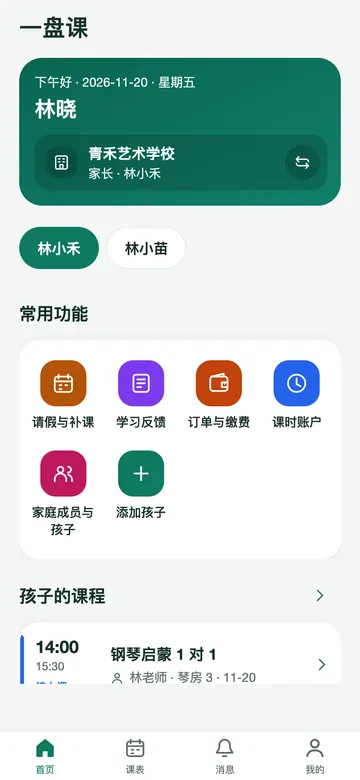
Teachers, staff and parents use the same app. The home screen follows your role after sign-in; if you work at several schools or have several children, switch between them on the home screen.
Download the app
Download channels are being prepared and will be listed here once published.
Platforms
- iOSSee the download page for version details
- AndroidSee the download page for version details
- HarmonyOSSee the download page for version details
Teachers and staff
Your school creates your account in the workbench, or links you as staff after you sign up in the app.
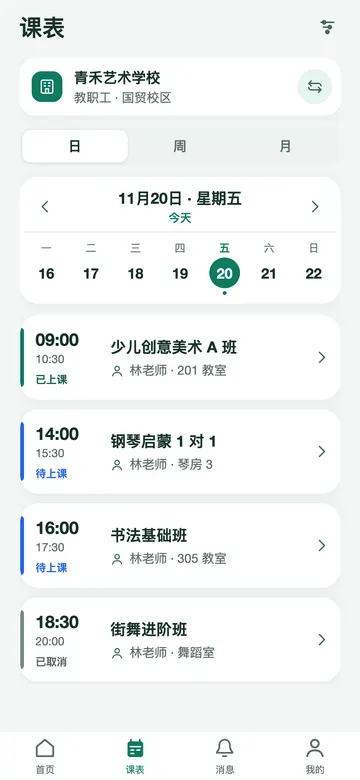
Timetable
See your own timetable by day or week, or by class, room or student.
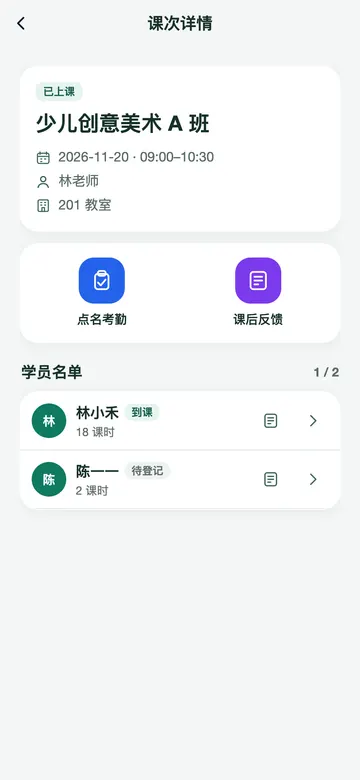
Attendance and leave
Take attendance lesson by lesson and record leave and make-up lessons.
Lesson feedback
Write feedback from templates, upload homework photos and see whether parents have read it.
Leads
Record leads and follow-ups, and call parents directly.
Parents
Sign in with the guardian phone number your school recorded to link your child, or open an invitation link from the school.
Timetable
See the next lesson and a combined timetable for all your children.
Hours and attendance
See hour balances by subject and attendance records.
Leave and feedback
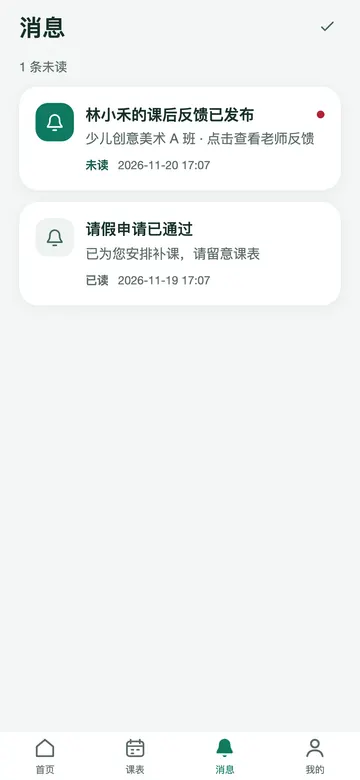
Request leave and read teachers’ lesson feedback.
Orders and payments
Pay bills issued by the school and view e-receipts.
Account help
If you forget your app password, reset it on this site with an email or phone verification code.